The debate over a USB-C hub vs docking station comes down to one question: how complex is your workflow? A hub suits light, portable needs, while a docking station handles heavier, multi-monitor desk setups. Picking the wrong side of the USB-C hub vs docking station decision means either wasting money or constantly running out of ports.
Both accessories plug into your laptop’s USB-C or Thunderbolt port and expand what it can do. But they’re built for different users. Let’s break down the practical differences in this USB-C hub vs docking station comparison so you can choose with confidence.
USB-C Hub vs Docking Station: The Core Difference
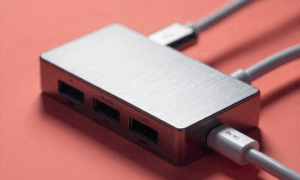
A USB-C hub is small, lightweight, and usually passive. It adds a handful of ports, like USB-A, HDMI, and an SD card slot, without much extra hardware inside.
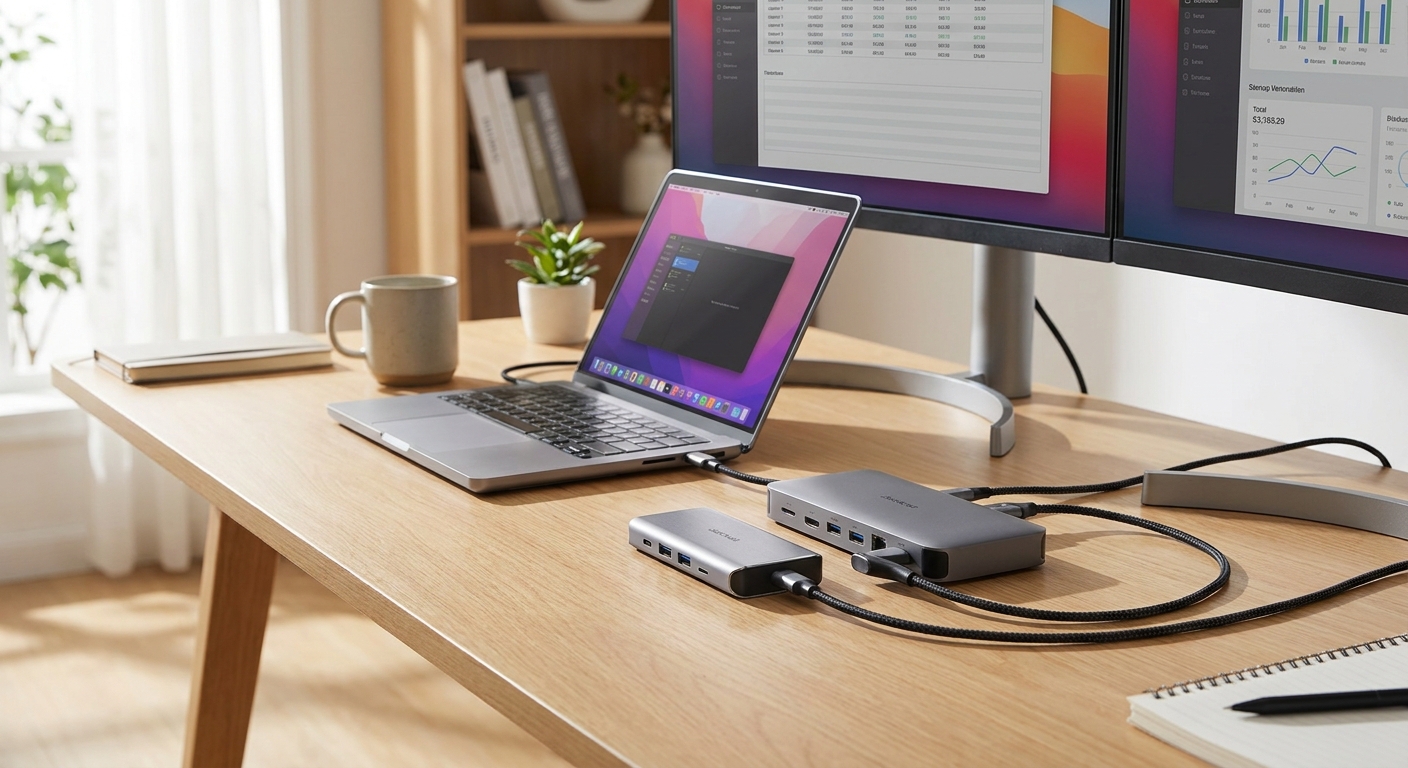
A docking station is larger and more powerful. It often contains its own chipset, supports higher power delivery, and can drive multiple external displays at once. Think of a hub as a travel companion and a dock as a permanent desk upgrade. That contrast is really the heart of the USB-C hub vs docking station question.
If you mostly work from cafes or hop between meeting rooms, a hub is likely enough. If you have a fixed desk with two monitors, a keyboard, and external drives, a dock will serve you better long term.
Ports: What You Actually Need
Port count is the first thing buyers notice, but it’s not just about quantity. It’s about matching ports to your actual accessories, which is where the USB-C hub vs docking station choice really plays out.
Before buying either option, list out what you plug in daily. This simple audit prevents overbuying or underbuying.
- USB-C hub: Best for 2-4 accessories, like a mouse, external SSD, and one monitor.
- Docking station: Best for 5+ accessories, including multiple monitors, ethernet, audio, and peripherals simultaneously.
- Card readers and legacy ports: Useful for photographers or anyone still using USB-A devices.
- Ethernet jack: Important if your wifi connection keeps disconnecting and you need a stable wired backup.
If you regularly connect an external SSD for backups or transfers, check compatibility carefully. Some budget hubs cause performance issues, and if your drive isn’t recognized at all, our guide on a portable SSD not showing up walks through common fixes.
Power Delivery: Don’t Overlook This
Power delivery, or PD, determines how much charge passes through to your laptop. This matters more than most buyers realize, and it’s a key factor in any USB-C hub vs docking station decision.
Many USB-C hubs offer basic pass-through charging, often capped around 60-100W. That’s fine for lighter laptops but may not fully charge power-hungry gaming or creator machines.
Docking stations typically offer stronger, more consistent power delivery. Some can charge your laptop at full speed while simultaneously powering connected devices. This reduces cable clutter and keeps your desk tidier.
If you’re already thinking about home power setups more broadly, our comparison of a portable power station vs generator covers similar tradeoffs between convenience and raw capacity, a useful mental model when weighing a USB-C hub vs docking station too.
Multi-Monitor Support: Where Docks Shine
This is often the deciding factor in the USB-C hub vs docking station debate. If you need two or more external monitors, a basic USB-C hub usually can’t keep up.
Most hubs support just one external display, and sometimes at a lower resolution or refresh rate. Docking stations, especially Thunderbolt-based ones, are built to drive two or three high-resolution monitors without lag.
Here’s a quick way to decide:
- One external monitor, occasional use: A hub is sufficient.
- Two external monitors, daily use: Choose a docking station.
- Three monitors or high-refresh gaming displays: Confirm Thunderbolt support before buying.
Graphics-intensive work adds another layer. If you’re also upgrading your desktop setup for creative or gaming tasks, our guide on how to choose a graphics card can help you plan a system that pairs well with a multi-monitor dock.
Portability vs Desk Permanence
Hubs are designed to travel. They’re compact, often no bigger than a deck of cards, and easy to toss in a bag.
Docking stations are meant to stay put. They’re heavier, often require their own power brick, and work best as a “one-cable” solution you connect and disconnect from your laptop each day.
Ask yourself how often you move locations. Frequent travelers benefit from a hub’s simplicity. Remote workers with a dedicated desk benefit from a dock’s stability and expanded connectivity. Weighing this lifestyle factor is often just as important as the technical side of the USB-C hub vs docking station comparison.
Other Accessories Worth Considering
A hub or dock is just one piece of a productive setup. Reliable networking and storage matter just as much.
If you’re expanding your home office, consider how you’ll store and back up files. Our breakdown of NAS vs cloud storage can help you decide where your data should live alongside your new dock or hub.
It’s also worth automating smaller conveniences, like turning your monitor or desk lamp on with your workspace. If that interests you, see our guide on how to choose a smart plug for compatible options.
Frequently Asked Questions
Is a USB-C hub or docking station better for a single monitor setup?
For one external monitor and basic accessories, a USB-C hub is usually enough. It’s cheaper, more portable, and simpler to set up than a full docking station, so it wins this part of the USB-C hub vs docking station comparison for minimal setups.
Can a USB-C hub fully charge my laptop?
Some can, depending on wattage, but many offer limited pass-through power. Check your laptop’s charging requirements before assuming a hub will fully replace your charger.
Do docking stations work with all laptops?
Not always. Compatibility depends on whether your laptop supports Thunderbolt or standard USB-C alternate mode, and how many displays its graphics hardware can output. This is worth confirming before you settle the USB-C hub vs docking station question for your machine.
Ultimately, the USB-C hub vs docking station decision comes down to your daily setup. Match the accessory to your real needs, not the highest spec sheet, and you’ll avoid overspending while still getting a stable, capable workstation.