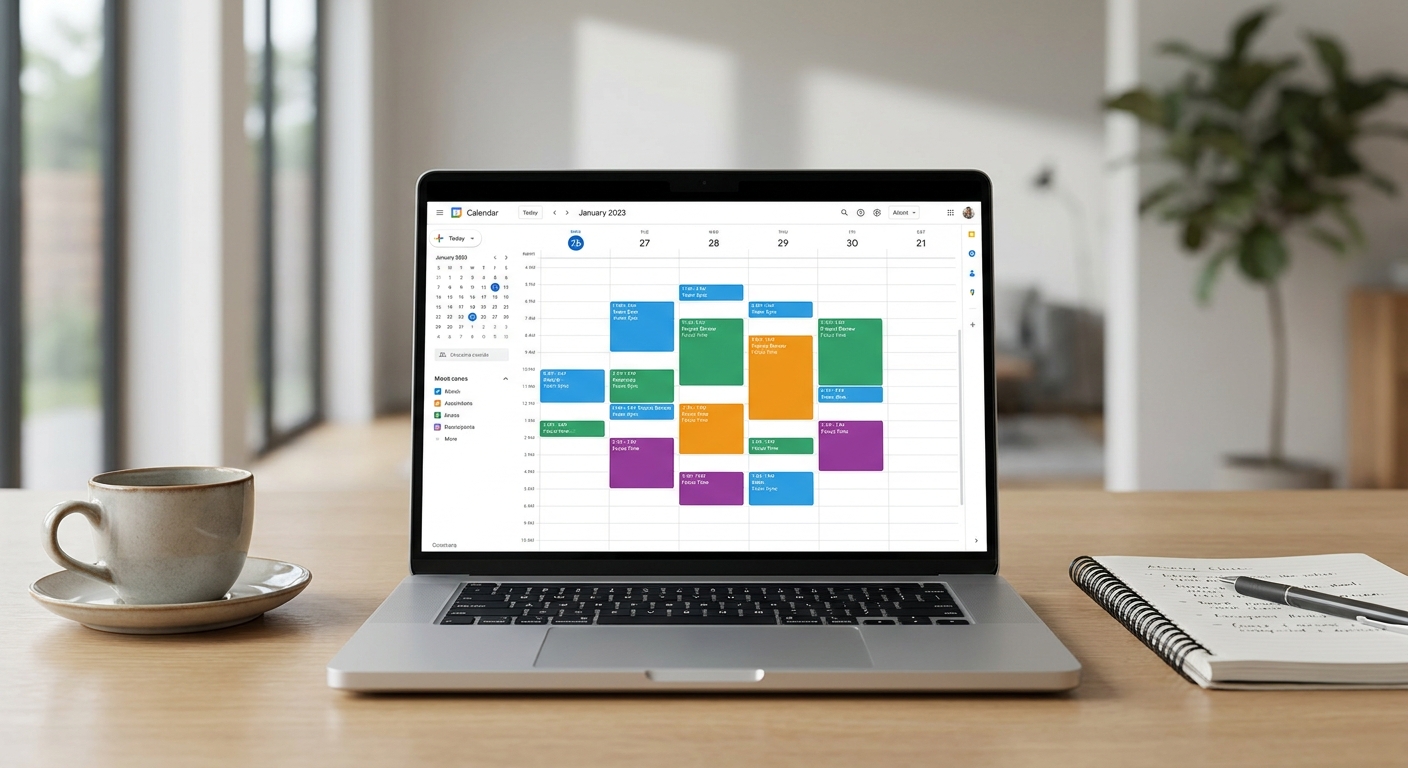
AI scheduling assistants promise to end the endless back-and-forth of finding a meeting time that works for everyone. In 2026, the best ones actually deliver, automatically negotiating times across calendars and time zones while you focus on real work.
We spent weeks testing leading tools against messy, real-world scenarios: double-booked executives, teams spread across five time zones, and clients who never respond to the first three proposed slots. Here’s what actually held up.
Why AI Scheduling Assistants Matter in 2026
Hybrid work didn’t disappear, it just got more complicated. Teams now span continents, and a simple “does 2pm work?” email can trigger a dozen replies before anyone agrees.
Modern AI scheduling assistants solve this by reading your calendar, understanding your preferences, and proposing times that minimize conflicts. The strongest tools go further, actually negotiating with the other person’s assistant or calendar system without human intervention.
This matters because time lost to scheduling adds up fast. Fewer back-and-forth emails means more focused work time and less frustration for everyone involved.
How We Tested These Tools
We didn’t just skim feature lists. We ran each tool through the same stress tests:
- Double-booking recovery: We intentionally created overlapping meetings and watched how quickly each tool flagged and resolved the conflict.
- Cross-time-zone negotiation: We simulated a meeting between participants in New York, London, and Singapore to see which tools found a genuinely reasonable time.
- Unresponsive invitee simulation: We tested how each assistant followed up when a participant ignored the first scheduling request.
- Calendar integration accuracy: We checked whether the tool correctly read buffer times, travel time, and personal blocks.
These scenarios reflect the actual pain points people complain about, not just marketing demos.
Top AI Scheduling Assistants Compared
1. Reclaim.ai
Reclaim.ai earned its name in our testing. It automatically reshuffled lower-priority tasks and habits when a high-priority meeting appeared, without any manual nudging.
Its time-zone handling was consistently accurate, and it flagged double-bookings within seconds. The downside: it works best within Google Calendar, so mixed-calendar teams may hit friction.
2. Motion
Motion blends task management with scheduling, and it shined in our unresponsive-invitee test. It automatically escalated reminders and offered alternative slots without us lifting a finger.
Where it struggled slightly was with very large group meetings, where its optimization engine took longer to settle on a final time.
3. Clockwise
Clockwise is built for teams, and it showed in our cross-time-zone test. It intelligently clustered meetings to preserve focus blocks for engineers and other deep-work roles.
Its negotiation with external (non-Clockwise) calendars was good but not perfect, occasionally requiring a manual confirmation step.
4. Reclaim’s competitors: Calendly AI and x.ai
Calendly’s AI layer handles simple one-on-one scheduling well, but it’s less capable at resolving true double-booking scenarios on its own. x.ai (Amy/Andrew) impressed with natural-language email negotiation but felt slower overall compared to Reclaim and Motion.
Key Features to Look For
Not every AI scheduling tool is built the same. Before choosing one, check for these capabilities:
- Real-time conflict detection: The tool should catch double-bookings instantly, not after the fact.
- True time-zone negotiation: It should propose fair times, not just convert time zones mathematically.
- Calendar-agnostic syncing: Look for support across Google, Outlook, and iCloud calendars.
- Buffer and focus-time protection: The best tools preserve deep-work blocks automatically.
- Follow-up automation: It should politely chase unresponsive invitees without you drafting another email.
If a tool misses two or more of these, it’s likely a basic calendar app with an “AI” label slapped on.
Who Should Use an AI Scheduling Assistant
These tools aren’t just for executives. Freelancers juggling multiple clients, recruiters booking interviews, and small teams working across time zones all benefit.
If you’re also exploring other AI tools to streamline your workflow, our guide to the best AI job search tools covers how automation is speeding up interview scheduling and applications alike. Similarly, professionals handling contracts alongside meetings may find value in our breakdown of the best AI contract review tools.
And if calendar chaos is just one symptom of a busier life, our piece on best AI decluttering apps tackles the physical clutter side of the equation too.
Common Mistakes When Choosing a Scheduling Tool
Many people pick a tool based on price alone, then regret it. Here are mistakes we saw repeatedly during testing:
- Choosing a tool that only works within one calendar ecosystem, then struggling with mixed teams.
- Ignoring time-zone edge cases like daylight saving transitions.
- Ignoring how the tool handles recurring meeting conflicts over several weeks.
- Overlooking privacy settings when the AI reads sensitive calendar details.
Avoiding these pitfalls saves hours of frustration down the line.
Frequently Asked Questions
Do AI scheduling assistants work across different calendar platforms?
Most top AI scheduling assistants support Google Calendar and Outlook, though some, like Reclaim.ai, work best within a single ecosystem. Always confirm cross-platform support before committing.
Can AI scheduling assistants handle time-zone conflicts automatically?
Yes, the strongest tools don’t just convert time zones, they weigh fairness across participants to propose genuinely workable meeting times, as our Clockwise and Reclaim tests confirmed.
Are AI scheduling assistants secure enough for sensitive calendars?
Reputable tools use encryption and limited data access, but you should always review a provider’s privacy policy before connecting a work or client calendar.
Choosing the right AI scheduling assistant comes down to your specific pain point, whether that’s double-bookings, time-zone chaos, or unresponsive invitees. Based on our testing, Reclaim.ai and Motion lead the pack for most users in 2026.