
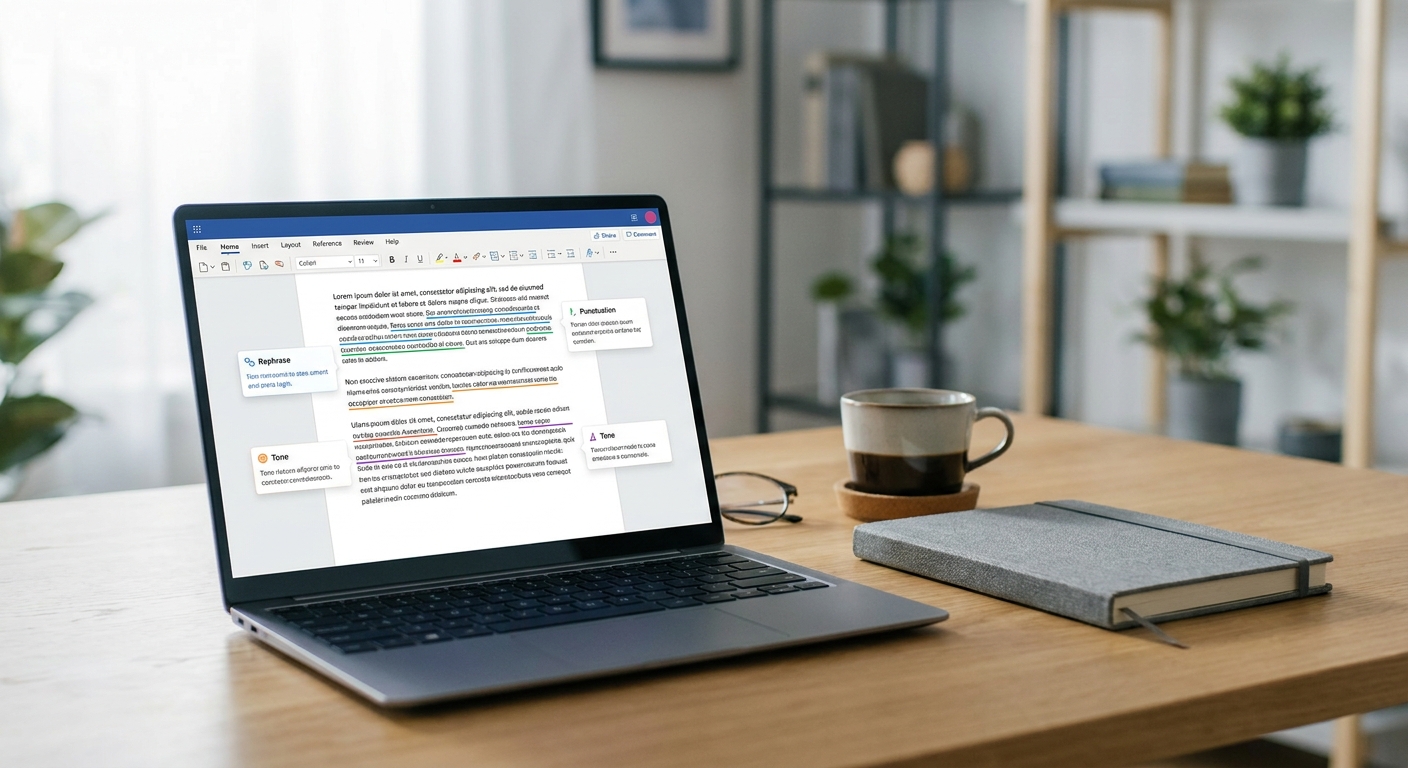
The best AI grammar checkers of 2026 catch far more than typos — they spot awkward phrasing, tone problems, and subtle clarity issues that older spell-checkers miss entirely. To find out which tools actually deliver, we ran the same batch of intentionally flawed sentences through five leading options and compared their results side by side.
Our goal was simple: identify which tool catches the most real mistakes while flagging the fewest false positives. A grammar checker that buries you in unnecessary suggestions is almost as frustrating as one that misses obvious errors. Here’s what we found.
How We Tested the Best AI Grammar Checkers
We built a test set of 40 sentences covering common writing problems. These included subject-verb agreement errors, misplaced modifiers, comma splices, homophone confusion, passive voice overuse, and a few sentences that were already correct.
Each sentence was pasted into every tool under the same conditions. We tracked three things:
- Catch rate: how many genuine errors the tool flagged correctly.
- False positives: how often the tool flagged correct sentences as wrong.
- Suggestion quality: whether the fix actually improved the sentence, not just changed it.
This approach mirrors how we evaluate other AI categories on our site, including our recent test of the best AI research assistants for deep work, where accuracy under real conditions mattered more than marketing claims.
Top Contenders We Compared
Five tools stood out as the most widely used options heading into 2026. Each takes a slightly different approach to detecting errors.
Grammarly
Grammarly remains the most recognizable name in this space. It caught the majority of grammatical errors in our test, including tricky subject-verb mismatches. Its tone-detection feature also flagged sentences that read as overly casual or blunt, which is useful for business writing.
Where it stumbled slightly was over-flagging stylistic choices, like intentional sentence fragments used for emphasis. These weren’t wrong, just stylistic, yet Grammarly still suggested edits.
ProWritingAid
ProWritingAid performed strongly on structural issues. It excelled at identifying repetitive sentence starts and overly long sentences, both of which hurt readability. It caught nearly as many hard grammar errors as Grammarly.
Its interface presents more detailed reports, which is great for writers who want deep analysis but can feel overwhelming for quick edits.
Google Docs AI Proofreading
Google’s built-in AI proofreading has improved considerably. It caught most common errors and rarely over-flagged correct sentences. However, it missed several nuanced issues, like subtle homophone mix-ups, that dedicated tools caught.
For casual writers who already work in Google Docs, this is a convenient baseline, though it’s not the most thorough of the best AI grammar checkers we tested.
Microsoft Editor
Microsoft Editor showed solid consistency across Word and Outlook. It correctly caught passive voice overuse and awkward phrasing, and its false-positive rate was among the lowest in our test.
It did miss a few complex comma-splice errors that other tools flagged correctly, suggesting its grammar engine favors precision over aggressive detection.
Sapling
Sapling is built with customer-facing teams in mind, similar in spirit to tools we’ve covered in our look at the best AI customer service tools that cut wait times. It performed well on clarity and tone but had a noticeably higher false-positive rate on grammatically correct but unconventional sentence structures.
Which Tool Caught the Most Real Errors?
Across our 40-sentence test, Grammarly and ProWritingAid caught the highest number of genuine mistakes. Both identified over 90% of the planted errors correctly.
Microsoft Editor came close behind, with the added benefit of the fewest false positives overall.
Google Docs AI Proofreading and Sapling landed in the middle. They caught most obvious errors but occasionally let subtler issues slip through, or flagged sentences that were technically fine.
Here’s a quick summary of what mattered most in our findings:
- Best overall catch rate: Grammarly and ProWritingAid, roughly tied.
- Fewest false positives: Microsoft Editor.
- Best for casual writers: Google Docs AI Proofreading.
- Best for tone and clarity coaching: Sapling and Grammarly.
Choosing the Right Tool for Your Writing
The right choice depends on how you write, not just how accurate the tool is in a lab test. Students and professionals producing long-form documents may prefer ProWritingAid’s detailed reports.
Writers who need quick, in-line corrections while drafting emails or messages will likely prefer Grammarly’s smoother workflow. If you’re already inside the Microsoft or Google ecosystem, the built-in options are convenient and cost nothing extra.
It’s also worth thinking about how grammar checking fits into your broader content workflow. If you’re producing slide decks or client-facing documents, pairing a grammar checker with a tool from our guide to the best AI presentation makers for slides that sell can tighten your final output considerably.
Limitations Every Writer Should Know
No AI grammar checker is perfect. Even the best AI grammar checkers occasionally misinterpret intentional stylistic choices as errors. Sarcasm, dialogue, and creative fragments are common trouble spots.
These tools also rely on pattern recognition rather than true comprehension. That means highly technical or niche writing, like legal contracts or scientific papers, may need a human editor as a final check regardless of which tool you use.
Privacy is another factor worth considering, especially if you’re pasting sensitive text into any cloud-based tool. This mirrors concerns we’ve raised in our coverage of the best AI home security tools that reduce false alerts, where accuracy and data handling both matter for trust.
Final Verdict
If pure error-catching is your priority, Grammarly and ProWritingAid lead the pack. If you want a lighter tool with fewer unnecessary suggestions, Microsoft Editor is a strong pick.
There’s no single winner for every writer, but understanding each tool’s strengths makes it easier to pick the best AI grammar checkers for your specific needs in 2026.
Frequently Asked Questions
What are the best AI grammar checkers for catching subtle errors?
Based on our testing, Grammarly and ProWritingAid caught the highest number of subtle errors, including tricky subject-verb agreement issues and homophone mistakes.
Do AI grammar checkers ever flag correct sentences by mistake?
Yes. This is called a false positive, and it happens with every tool we tested. Microsoft Editor had the lowest false-positive rate in our comparison.
Is a free grammar checker good enough for most writers?
Free tools like Google Docs AI Proofreading work well for casual writing and everyday emails. Writers producing longer or more complex documents may benefit from a paid tool with deeper analysis.




















