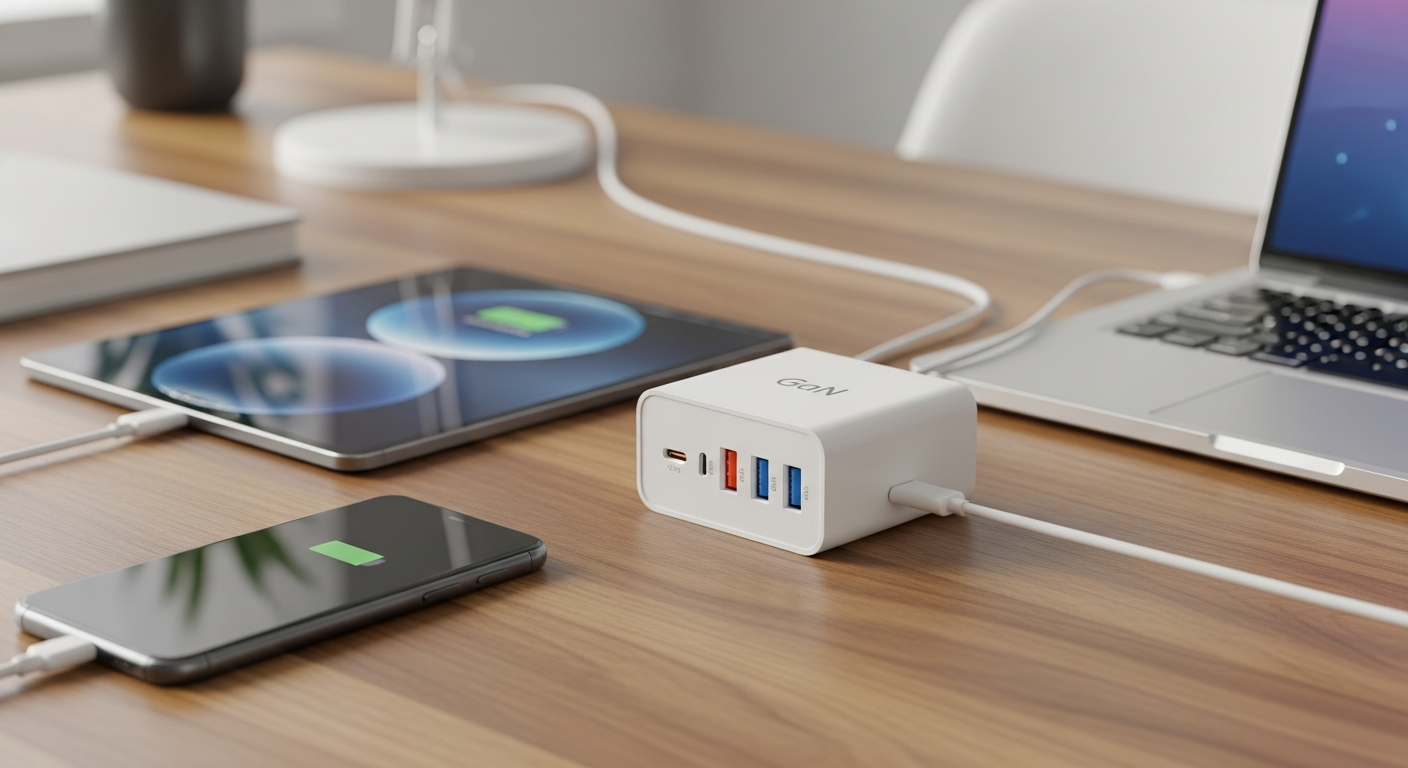
This USB-C charger wattage guide exists because charger boxes are more confusing than ever, and most people either buy too much power or not enough. Wattage numbers on GaN chargers can look like a foreign language, but understanding them takes just a few minutes. Once you finish this USB-C charger wattage guide, you’ll never overpay for power you don’t use, or annoy yourself with a charger that trickles instead of fills.
Why USB-C Wattage Confuses So Many Buyers
USB-C used to mean one universal plug shape. Now it means dozens of possible power levels, from 5 watts to 240 watts, all through the same connector. That’s exactly why a clear USB-C charger wattage guide matters before you swipe your card on the next “fast charger” you see.
Manufacturers rarely explain what wattage your specific device actually needs. So shoppers default to buying the biggest, most expensive charger available, assuming more watts always means better performance.
That assumption is often wrong. A phone can’t use 100 watts even if you plug it into a charger rated that high. The device and charger negotiate power together, and the lower number usually wins.
USB-C Charger Wattage Guide: What the Numbers Actually Mean
Wattage measures how much power a charger can deliver, not how much it will always deliver. Think of it as a ceiling, not a guarantee. This section of our USB-C charger wattage guide breaks down what those numbers mean in practice.
Your device’s internal chip requests only the power it can safely handle. A high-wattage charger simply has more headroom for devices that need it, like laptops or tablets with large batteries.
Here’s a simple breakdown by device type:
- Smartphones: 18–30 watts is usually plenty for fast charging.
- Tablets: 20–35 watts covers most iPads and Android tablets comfortably.
- Standard laptops: 45–65 watts handles everyday productivity machines.
- Gaming or creator laptops: 90–140 watts supports higher-performance chips and larger screens.
- Multi-device chargers: 65–100 watts lets you split power across a phone, tablet, and laptop at once.
Matching your device to the right tier, using the wattage ranges above, saves money and avoids the frustration of slow, inefficient charging.
What Makes GaN Chargers Different
GaN stands for gallium nitride, a material that replaced silicon in many modern chargers. It conducts electricity more efficiently and generates less heat.
Because of that efficiency, GaN chargers pack higher wattage into smaller, lighter bricks. A 65-watt GaN charger can be roughly the size of an old 30-watt silicon adapter.
This matters for travelers and anyone juggling multiple devices. You get more charging capability without adding bulk to your bag.
GaN technology doesn’t change how much power your device needs. It simply makes delivering that power smaller, cooler, and often faster to produce as heat dissipates less.
Do You Need to Pay Extra for GaN?
Not always. If size and weight don’t matter to you, a traditional charger at the correct wattage works just as well electrically.
GaN is worth the premium mainly for frequent travelers, minimalists, or anyone charging several devices from one compact brick.
How to Pick the Right Wattage for Your Devices
Start by checking your device’s original charger or its printed specs. Most manufacturers list the exact wattage somewhere in the settings menu or manual.
If you’re buying a charger for multiple devices, add up their typical needs and round up slightly. This gives headroom without dramatically overspending.
Consider these quick guidelines from this USB-C charger wattage guide:
- Match or slightly exceed your device’s rated wattage.
- Choose multi-port chargers only if you regularly charge more than one device simultaneously.
- Avoid chargers wildly above your device’s needs unless you plan to upgrade devices soon.
- Check cable ratings too, since underpowered cables can bottleneck even a great charger.
A well-matched charger extends battery health over time, which pairs well with good charging habits in general. If your laptop still struggles with battery life despite a solid charger, our guide on laptop battery draining fast fixes covers other common culprits.
Common Mistakes When Buying a USB-C Charger
Many buyers assume any USB-C charger works with any USB-C device. Technically, the plug fits, but performance varies wildly depending on wattage support, which is the core problem this USB-C charger wattage guide aims to solve.
Others buy cheap, unbranded chargers that skip safety certifications. These can undercharge, overheat, or in rare cases damage your device’s battery.
A few mistakes to watch for:
- Assuming higher wattage always means faster charging for every device.
- Ignoring cable wattage limits, especially with thin or older cables.
- Ignoring certifications like USB-PD compliance on unfamiliar brands.
- Overbuying wattage for a single smartphone that only needs 20-25 watts.
Smart charging setups extend beyond just phones and laptops. If you’re building out a broader connected home, our essential home theater setup guide and ultimate home theatre setup guide both touch on power planning for entertainment devices too.
Looking Ahead: Power Needs for Emerging Devices
Newer gadgets are pushing power requirements in new directions. Mixed-reality headsets, for instance, often need substantial battery packs and careful charging management.
If you’re curious how future hardware might shift charging habits, our coverage of the Apple Vision Pro explores how demanding next-generation devices can be on batteries and power delivery.
Gaming hardware is evolving too. Our look at what we expect from the Sony PlayStation 6 touches on how future consoles may handle power and connectivity differently than today’s models.
And if your home network struggles to keep up with all these new connected devices, it might be worth revisiting our comparison of mesh WiFi versus extenders for better coverage throughout your house.
Frequently Asked Questions
Can a higher-wattage charger damage my phone?
No. Modern USB-C devices use built-in chips that negotiate power safely. Your phone will only draw the wattage it needs, regardless of the charger’s maximum rating.
Is 65 watts enough for a laptop?
For most everyday laptops, yes. Thin-and-light or business laptops typically charge well at 45-65 watts. Gaming or high-performance laptops may need 90 watts or more.
Do I need a GaN charger specifically, or just the right wattage?
Wattage matters more than the material. GaN simply makes high-wattage chargers smaller and more travel-friendly, but a traditional charger at the same wattage charges just as effectively.
Choosing the right charger doesn’t require memorizing every spec sheet. With this USB-C charger wattage guide, you now know how to match wattage to your actual devices, understand why GaN chargers run smaller, and avoid common overbuying mistakes. A little research upfront means faster charging, less wasted money, and one less confusing gadget purchase to worry about.