
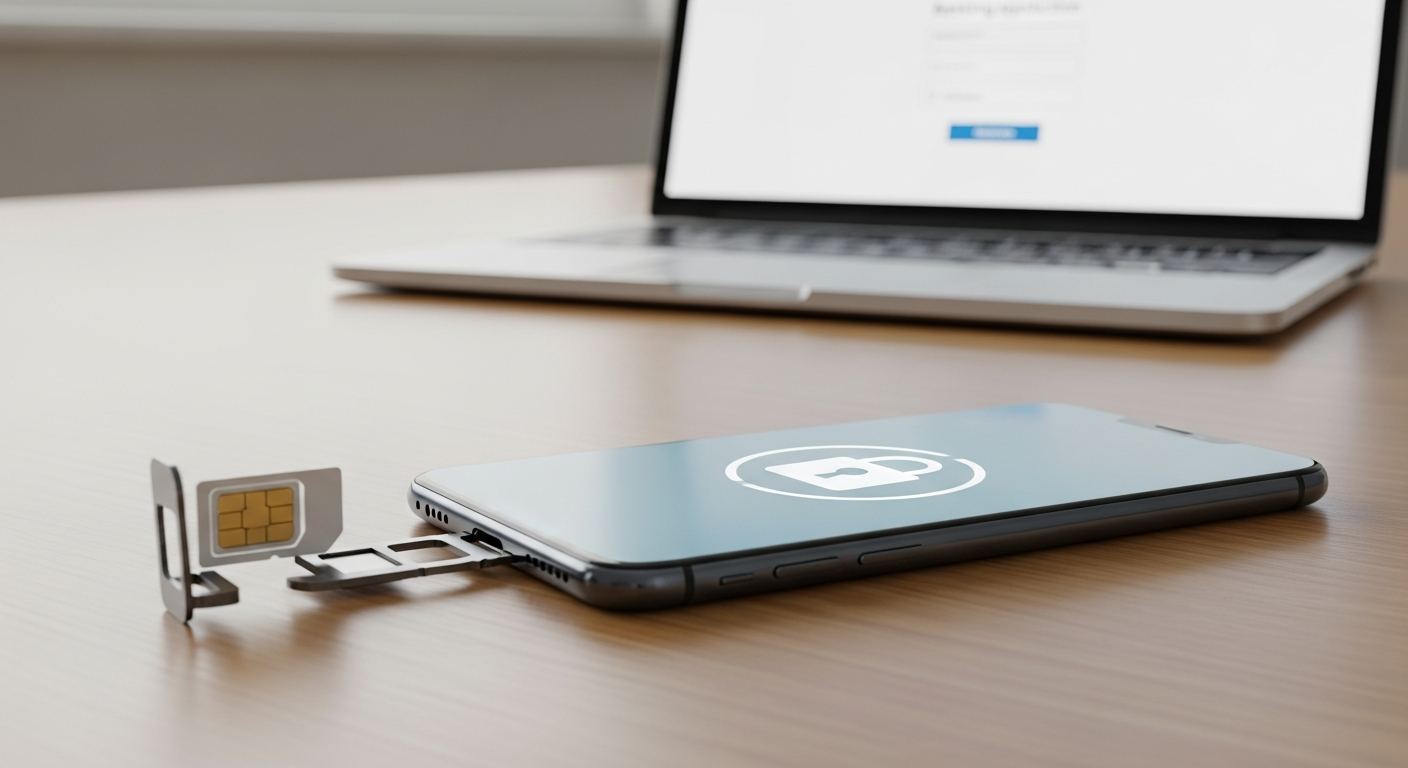
SIM swap protection is the single most important step you can take to stop criminals from hijacking your phone number and using it to drain your bank or crypto accounts. A SIM swap attack tricks your carrier into moving your number to a criminal’s SIM card, giving them your text messages, your login codes, and often your money within minutes.
This guide breaks down exactly how these attacks work and gives you the concrete carrier settings, authenticator swaps, and PIN locks that shut them down. No jargon, no scare tactics—just practical steps you can finish this afternoon.
What Is a SIM Swap Attack?
A SIM swap happens when a scammer convinces your mobile carrier to transfer your phone number to a SIM card they control. They typically do this by impersonating you, using stolen personal details from data breaches or social media.
Once the swap succeeds, your phone loses signal entirely. The attacker’s device now receives your calls and texts, including the one-time codes banks and crypto exchanges send for login verification.
From there, they reset your passwords using “forgot password” flows that rely on SMS verification. Within an hour, savings accounts, exchange wallets, and email accounts can all be compromised.
Why SIM Swap Fraud Targets Bank and Crypto Accounts
Criminals target phone numbers because so many services still rely on SMS as a second authentication factor. It’s convenient, but it’s also a weak link.
Crypto holders are especially attractive targets. Transactions are irreversible, and many exchanges historically defaulted to text-based verification, making a successful swap extremely profitable for attackers.
Banks aren’t immune either. Fraudsters use your hijacked number to intercept password reset links, approve wire transfers, or bypass fraud alerts that would otherwise flag suspicious activity.
Carrier Settings That Enable Real SIM Swap Protection
Your mobile carrier is your first line of defense. Most major carriers now offer account-level security features, but they’re rarely turned on by default.
- Add a port-out PIN or passcode: This is a separate code required before anyone can move your number, even in-store staff.
- Enable “account lock” or “number lock” features: Many carriers let you freeze changes to your account entirely until you unlock it yourself.
- Require in-person ID verification: Ask your carrier to flag your account so transfers require a photo ID at a physical store, not just a phone call.
- Set up a unique account PIN: Avoid PINs based on birthdays or addresses that appear in leaked data.
- Review linked email and recovery info: Make sure the email tied to your carrier account uses strong, unique security itself.
Call your carrier directly to confirm these settings are active. Don’t assume enrollment happened automatically just because the feature exists.
Watch for the Warning Signs
Sudden loss of cell signal with no explanation is the clearest sign of an active SIM swap. Unexpected “your SIM was updated” texts or emails are another red flag.
If you notice either, contact your carrier immediately using a separate phone line. Speed matters here—every minute gives attackers more time to reset your other accounts.
Move Away From SMS-Based Authentication
Even strong carrier protections aren’t foolproof, so the next step is reducing your reliance on text messages for security altogether.
Swap SMS-based two-factor authentication for an authenticator app wherever possible. Apps like Google Authenticator, Authy, or a hardware security key generate codes locally on your device, not over the cellular network.
This means even a successful SIM swap can’t intercept your login codes, because the codes never travel through text messages at all.
How to Switch Authenticator Methods
- Log into each critical account—email, banking, and crypto exchanges first.
- Navigate to the security or two-factor authentication settings.
- Select “authenticator app” instead of “text message” as your verification method.
- Scan the QR code with your chosen app and save backup codes somewhere offline.
- Remove SMS as an option entirely once the app method is confirmed working.
Prioritize your email account first. Once email is secure, it becomes the anchor that protects everything else tied to it.
Layer On PIN Locks and Account Alerts
Beyond your carrier and authenticator apps, add PIN locks directly to your financial accounts where the option exists. Many banks now let you set a transaction PIN separate from your login password.
Turn on real-time transaction alerts for every card and account you hold. An instant text or app notification about unusual activity gives you a chance to react before serious damage occurs.
It’s also worth reviewing how exposed your personal data already is online. Attackers often gather details like your address or old phone numbers from data broker sites before attempting a swap. A thorough data broker opt-out guide can help you scrub that exposed information before it’s weaponized against you.
Broader Habits That Reduce Your Risk
SIM swap protection works best as part of a wider security routine, not a one-time fix. Consider these related steps:
- Learn to recognize phishing texts, since many SIM swaps start with a convincing fake message. Our guide on how to stop smishing scams covers the tactics to watch for.
- Treat identity protection as a foundation, not an afterthought. This piece on why identity-first security is essential explains why your phone number is just one piece of a larger puzzle.
- If you share a household with kids using connected devices, review how monitoring tools can catch social engineering attempts early with this guide to parental monitoring apps for cyberbullying.
- Secure other smart devices in your home too, since connected locks share similar vulnerabilities—our smart lock security risks guide walks through safer choices.
None of these steps take long individually, but together they close the gaps attackers rely on.
Conclusion
SIM swap protection isn’t complicated, but it does require a few deliberate steps: lock down your carrier account, ditch SMS-based codes for an authenticator app, and add PIN locks to your financial accounts. Take an hour this week to work through the checklist above. That small investment of time can stop an attack that would otherwise cost you far more.
Frequently Asked Questions
Can a SIM swap happen without me noticing?
Yes, initially. The first sign is usually a sudden loss of cell signal, since your number has moved to the attacker’s device. Acting fast once you notice this is critical.
Is SIM swap protection different from regular two-factor authentication?
Somewhat. Standard SMS-based two-factor authentication can actually be defeated by a SIM swap. Real SIM swap protection means securing your carrier account and switching to app-based or hardware authentication instead.
Do all carriers offer port-out PINs and account locks?
Most major carriers do, though the feature names vary. Call customer support directly and ask specifically about port-out protection or account locks to confirm what’s available.




















