
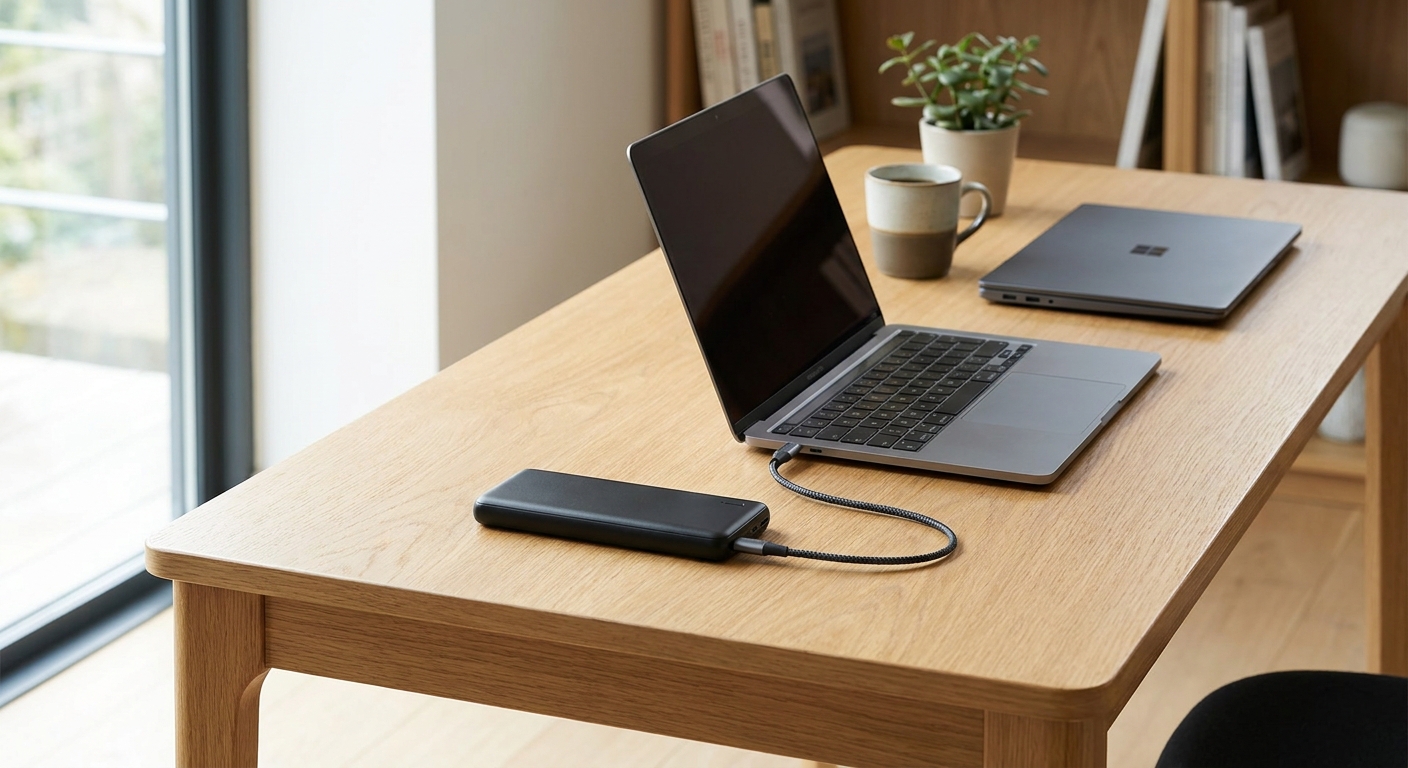
Portable power banks for laptops are no longer a novelty for road warriors; they are becoming a standard part of any mobile work kit. Phone-sized battery packs simply can’t push enough wattage to keep a modern ultrabook or MacBook alive. After weeks of hands-on testing with real laptops, we narrowed down the models that actually deliver on their promises.
This guide focuses on high-wattage USB-C Power Delivery (PD) banks built specifically for laptop charging, not phone top-ups. We measured runtime, charge speed, and real-world reliability across both MacBook and Windows devices.
Why Regular Power Banks Don’t Work for Laptops
Most consumer power banks top out around 18W to 30W. That’s fine for a phone, but laptops typically need 45W to 100W to charge at a reasonable pace. Without enough wattage, your laptop may trickle-charge or not charge at all while in use.
To charge a laptop properly, you need a power bank with USB-C PD output rated at 60W or higher. The best portable power banks for laptops also support PD 3.0 or PD 3.1 standards, which negotiate power more efficiently with your device.
- 45W-60W banks: Suitable for lightweight ultrabooks and MacBook Air models.
- 65W-100W banks: Needed for MacBook Pro, gaming laptops, and power-hungry Windows machines.
- 100W+ banks: Best for creative professionals running demanding workloads on battery.
How We Tested Portable Power Banks for Laptops
We charged a MacBook Pro 14-inch and a Windows ultrabook from 20% to 80% using each bank. We logged charge time, measured heat output, and tracked how many full charge cycles each bank delivered before depleting.
We also tested real-world scenarios, like charging while actively using the laptop for video calls or document editing. This matters because sustained draw changes how efficiently a bank performs compared to a simple idle charge test.
Key Metrics We Prioritized
Not all specs matter equally. Here’s what we weighted most heavily during testing.
- Sustained wattage under real load, not just the marketed peak number.
- Charge cycles per laptop, since capacity on paper doesn’t always match real output.
- Weight-to-capacity ratio, since a bank that’s too heavy defeats the purpose of portability.
- Pass-through charging, allowing you to charge the bank and laptop simultaneously from one wall outlet.
Top Portable Power Banks for Laptops in 2026
These are the models that performed best across both MacBook and Windows testing. Each one held its rated wattage under sustained load, which is where many cheaper banks fail.
Best Overall: High-Capacity 100W USB-C Bank
This pick delivered a full MacBook Pro charge cycle with power left over for a phone top-up. It maintained near-rated wattage even during video editing sessions, which is a common failure point for budget alternatives.
Best for Everyday Carry: Slim 65W Bank
For users who mainly need to top up an ultrabook between meetings, this compact option strikes a good balance. It’s light enough to carry daily and still charges most Windows laptops at a usable speed.
Best Budget Option: Reliable 45W Bank
This bank won’t fast-charge a gaming laptop, but it handled MacBook Air charging reliably across multiple test cycles. It’s a solid entry point if you’re testing whether a laptop power bank fits your routine before investing more.
What to Look for Before You Buy
Choosing the right portable power banks for laptops comes down to matching wattage, capacity, and portability to your actual workflow. Here’s a quick checklist to simplify the decision.
- Confirm your laptop’s required wattage before shopping.
- Look for PD 3.0 or newer for efficient power negotiation.
- Check the watt-hour (Wh) rating, since airlines cap carry-on batteries around 100Wh.
- Prioritize brands with transparent sustained-wattage data, not just peak claims.
- Consider pass-through charging if you travel frequently and need to charge multiple devices.
If you’re building out a broader mobile tech setup, it’s worth pairing your power bank with other efficient gear. For instance, if you work from a compact desktop at home, our guide to the best mini PCs that pack real power covers desktop alternatives that sip less energy than traditional towers. And if you’re setting up a smarter home office overall, our smart plugs that actually save energy roundup pairs well with any power-conscious setup.
Travel and Everyday Use Considerations
Laptop power banks are heavier than phone chargers, so think about how often you’ll actually carry one. If you travel with a handheld gaming device too, check out our breakdown of the best portable monitor for handheld gaming setups, since many travelers now carry a mini battery-powered bundle for both work and play.
Battery packs can also double as emergency backup for other gadgets. If you’re curious about other portable tech worth packing, our review of portable blenders that actually crush ice is a fun companion read for frequent travelers building out a full go-bag.
Frequently Asked Questions
Can a portable power bank fully charge a laptop?
Yes, but it depends on wattage and capacity. A 100W bank with enough watt-hours can fully charge most laptops from empty, though high-draw gaming laptops may only get a partial charge.
What wattage do I need to charge my laptop on the go?
Most ultrabooks need at least 45W to 65W, while larger laptops and gaming models often require 90W to 100W for efficient charging.
Are portable power banks for laptops allowed on flights?
Most airlines allow power banks under 100Wh in carry-on luggage without special approval. Anything above that typically requires airline permission, so always check the watt-hour rating before you fly.






















