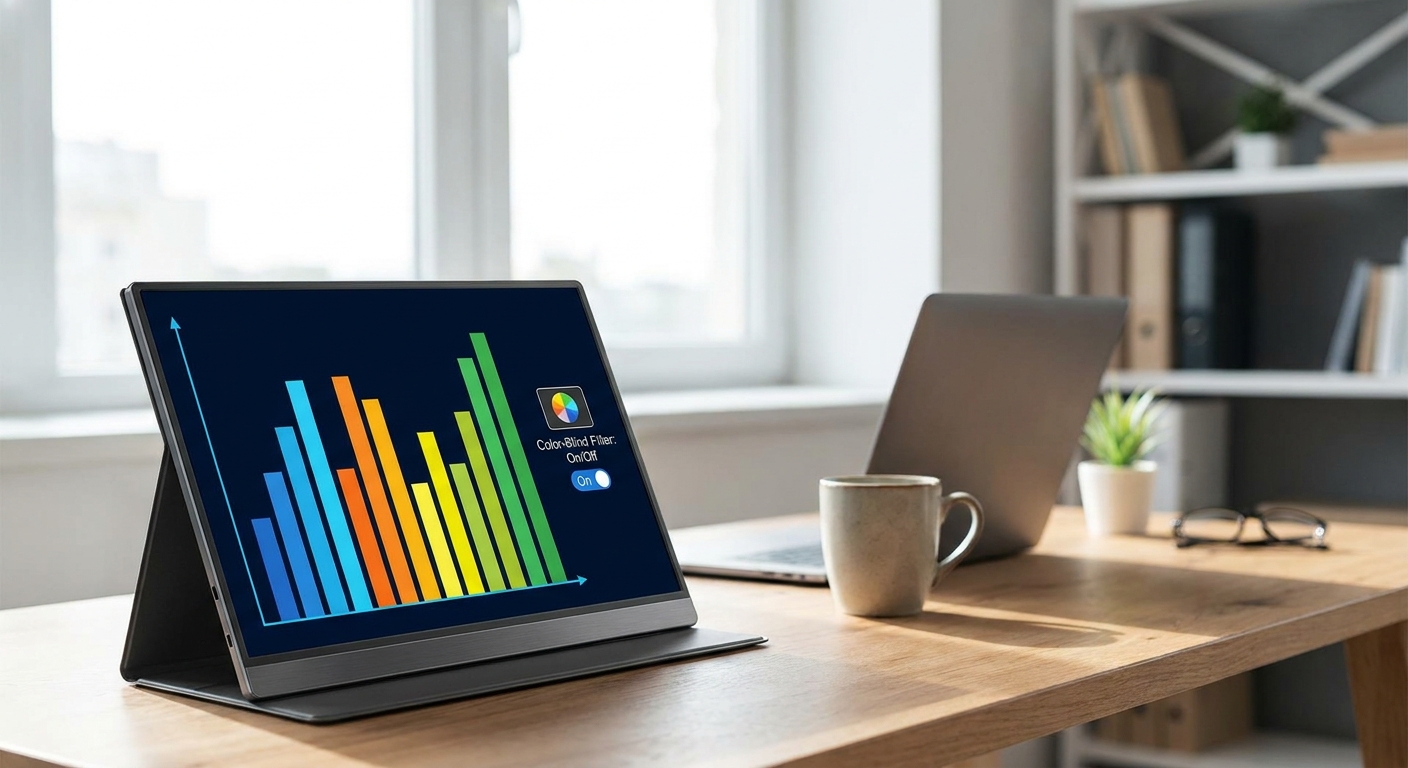
Choosing the right portable monitor color blind users can actually rely on means looking past specs like brightness and resolution. It means prioritizing built-in color filters, accessibility presets, and calibration tools that make everyday tasks easier. This guide walks you through what matters most and highlights the features worth paying for in 2026.
Most portable monitors are marketed toward creators, gamers, or remote workers. Few brands talk openly about color vision deficiency. That gap leaves a lot of people guessing, which is exactly why this buying guide exists.
Why Color-Blind Accessibility Matters in Portable Monitors
Roughly 1 in 12 men and 1 in 200 women experience some form of color blindness. For these users, standard monitor presets often blur the line between reds, greens, and browns. This makes spreadsheets, design software, and even video calls harder to read accurately.
A good portable monitor color blind setup should offer more than a sharp picture. It should let you adjust how colors are rendered so information stays clear, not just vivid.
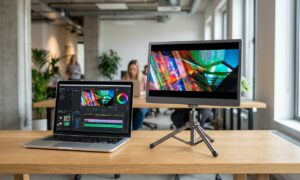
This is different from the color-grading market, where accuracy to industry standards is the goal. If you’re editing video professionally, our guide to portable monitors for color grading covers that use case in depth. Accessibility, by contrast, is about perception and usability, not calibration against a reference standard.
Key Features to Look for in a Portable Monitor Color Blind Setup
Not every monitor advertises accessibility features clearly. Here’s what to check before buying.
- Built-in color filters: Some monitors include Daltonization-style filters that shift hues to increase contrast between commonly confused colors.
- Adjustable color presets: Look for monitors with manual RGB sliders or preset modes labeled for protanopia, deuteranopia, or tritanopia support.
- High contrast ratio: Monitors with strong contrast make shapes and text edges easier to distinguish, even when hue differences are subtle.
- Software-level calibration tools: Companion apps that let you fine-tune gamma and saturation add flexibility beyond hardware presets.
- Blue light and warmth controls: Reducing blue light can sometimes improve clarity for certain types of color vision deficiency.
None of these features replace a dedicated colorblind-assist app on your operating system. But they work alongside software tools to create a more comfortable viewing experience.
Operating System Support Still Matters
Windows and macOS both include accessibility settings that apply color filters system-wide. Pairing these with a monitor that has strong contrast and accurate grayscale handling often produces better results than relying on hardware alone.
Before buying any screen, test your OS filter settings on your current display. This helps you understand which filter type works best for your specific color vision type.
Portable Monitor Color Blind Use Cases Beyond the Desk
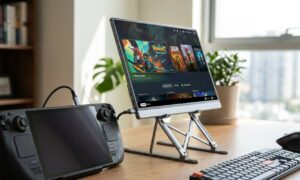
Portable monitors aren’t just for travel. They’re increasingly used as secondary screens for home offices, classrooms, and even specialized tasks.
If you’re setting up a multi-monitor workspace, pairing a color-accessible display with other smart tools can streamline your setup. For instance, some users combine a portable screen with smart garage controllers for retrofitting older garages to monitor home systems from a single desk. Others use portable monitors as a dedicated video call screen — our guide to portable monitors for video calls covers picks optimized for that purpose.
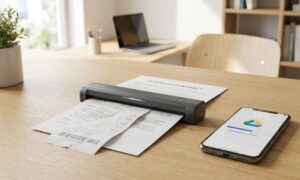
Accessibility needs often overlap with other portable tech categories too. If you’re digitizing documents for easier reading, check out our picks for portable document scanners that go paperless fast. And if air quality affects your focus during long work sessions, our best portable CO2 monitors guide is worth a look.
Pairing With the Right Peripherals
A portable monitor works best with accessories that match your workflow. If you’re using a tablet as a secondary input device, a solid keyboard makes typing and navigation smoother. Our tablet keyboard buying guide can help you round out a fully portable, accessible workstation.
How to Test a Portable Monitor for Color-Blind Friendliness
Before committing to a purchase, run a few simple checks.
- Load an Ishihara color test plate image and see how clearly numbers appear on the screen.
- Switch between the monitor’s preset modes, if available, and note contrast changes.
- Test with your phone’s or laptop’s built-in color filter settings active.
- Check text legibility on red-green coded charts, since these are common pain points.
- Read reviews specifically mentioning color vision deficiency, not just general color accuracy.
These steps take just a few minutes but can save you from returning a monitor that looks fine in marketing photos but underperforms in real use.
Final Thoughts on Choosing a Portable Monitor Color Blind Solution
The best portable monitor color blind users can depend on balances built-in accessibility tools with strong fundamentals like contrast and brightness. Filters and presets help, but they work best alongside your device’s own accessibility settings.
As more manufacturers recognize this underserved niche, expect more explicit accessibility labeling in 2026 and beyond. Until then, test before you buy, and prioritize contrast and customization over marketing claims.
Frequently Asked Questions
Can a portable monitor actually help with color blindness?
Yes. While it can’t change how your eyes perceive color, a portable monitor color blind-friendly design uses filters, contrast adjustments, and presets to make differences between similar colors easier to spot.
Do I still need software color filters if my monitor has built-in presets?
Often, yes. Operating system filters and monitor hardware presets work differently. Combining both usually gives better results than relying on just one.
Are color-grading monitors the same as color-blind accessible monitors?
No. Color-grading monitors focus on accuracy to industry color standards. Accessibility-focused monitors prioritize contrast and customizable filters to aid perception, which is a different goal entirely.