Voice assistant eavesdropping is a real concern for anyone with a smart speaker or phone assistant sitting nearby. These devices listen for wake words around the clock, and that constant readiness can capture more than you expect. This guide explains how voice assistant eavesdropping actually works, then walks you through a practical audit to shut down unnecessary listening and wipe your stored history.
How Smart Speakers and Phone Assistants Actually Listen
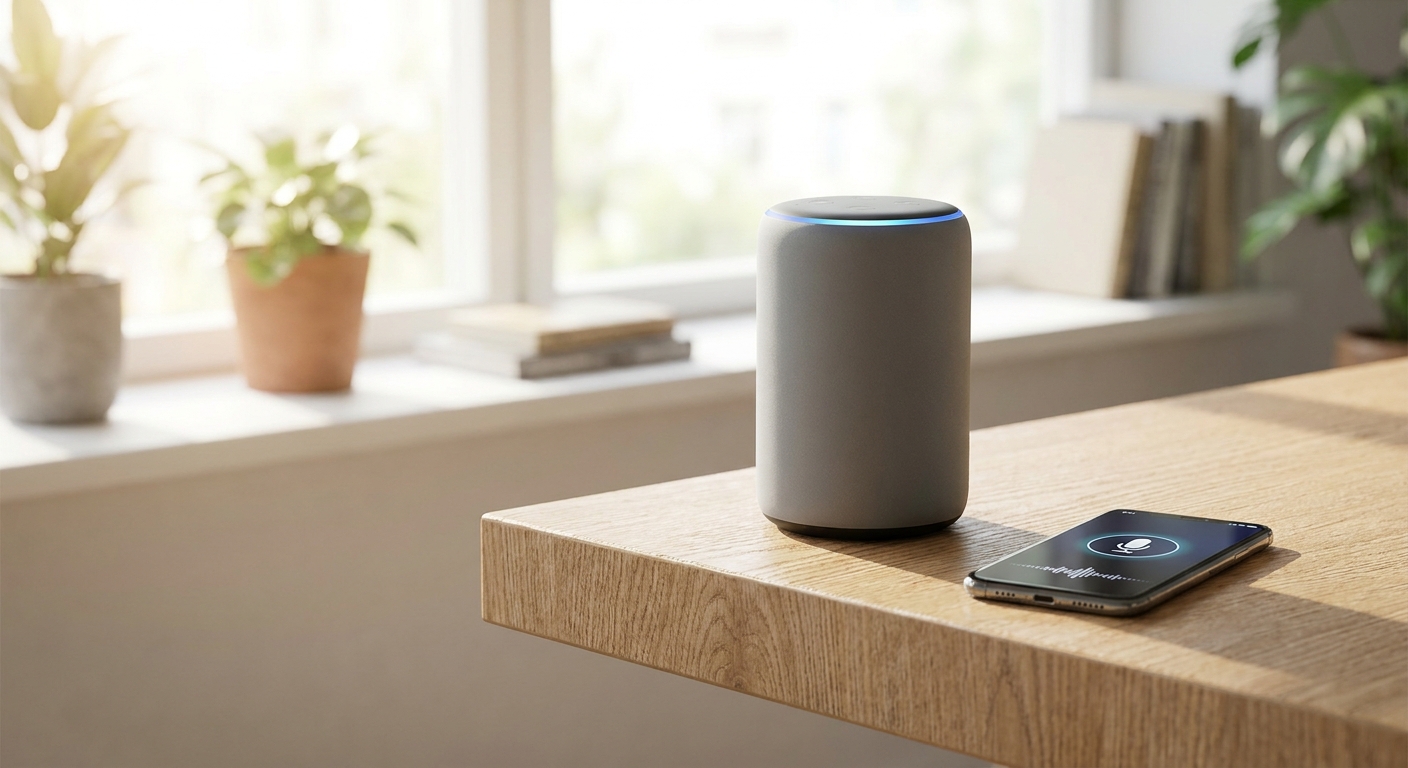
Most voice assistants run on a two-stage system. A small on-device model listens locally for a wake word, like “Alexa” or “Hey Google.” It does not send anything to the cloud until it hears that trigger.
Once triggered, the device streams your command to company servers for processing. That audio clip is often saved, tied to your account, and used to improve speech recognition. The problem is that wake-word detection is not perfect, and background chatter can trigger false activations that lead to voice assistant eavesdropping incidents.
This means snippets of unrelated conversations sometimes get recorded and stored without you realizing it. Manufacturers say these false triggers are rare, but independent researchers have repeatedly found them happening in everyday homes.
Why Voice Assistant Eavesdropping Happens More Than You Think
Several everyday scenarios can trigger accidental recordings. Understanding them helps explain why audits against voice assistant eavesdropping matter.
- Similar-sounding words: Phrases that resemble the wake word can activate the microphone by mistake.
- TV and radio audio: Commercials or shows that mention the assistant’s name by accident can set it off.
- Multiple connected devices: Smart speakers paired with other smart home gadgets may share audio triggers across a network, increasing the risk of voice assistant eavesdropping.
- Background app permissions: Phone assistants sometimes retain microphone access even when you are not actively using them.
None of this means these tools are inherently malicious. It simply means default settings favor convenience over privacy, which is exactly what you can adjust to reduce voice assistant eavesdropping risks.
Step-by-Step Privacy Audit for Smart Speakers
A quick, periodic audit keeps your voice data under control and limits voice assistant eavesdropping. Set aside about ten minutes to work through these steps.
- Open your assistant’s companion app. This includes the Alexa app, Google Home app, or Apple’s Settings menu for Siri.
- Locate the voice history section. Most apps list every recorded interaction with a timestamp and transcript.
- Delete existing recordings. Choose “delete all” rather than removing clips one by one to save time.
- Turn on auto-delete. Set recordings to automatically erase after three or eighteen months, whichever option is shortest.
- Disable voice recording for human review. Many platforms let you opt out of having real employees review audio samples.
- Mute the microphone when not needed. Physical mute buttons on smart speakers cut power to the mic entirely, which is the most direct way to stop voice assistant eavesdropping.
Repeating this audit every few months ensures new devices or app updates have not reset your preferences and reopened the door to voice assistant eavesdropping.
Locking Down Phone-Based Assistants
Phone assistants like Siri and Google Assistant deserve the same scrutiny as smart speakers. They often have broader microphone access because they’re tied to your entire device, which can make phone-based voice assistant eavesdropping even more far-reaching.
Start by reviewing app permissions under your phone’s privacy settings. Revoke microphone access for apps that have no clear reason to need it.
Next, disable “Hey Siri” or “Hey Google” detection if you rarely use voice activation. This stops the assistant from listening passively in the background.
Finally, check your account’s activity dashboard online. Both Apple and Google provide web portals where you can review and bulk-delete voice history tied to your account.
Connecting the Dots Across Your Smart Home
Voice assistants rarely operate in isolation. They typically connect to other smart devices, which means a privacy gap in one spot can expose your whole network to voice assistant eavesdropping. If you use a central hub, it’s worth reviewing smart home hub security practices to make sure one weak link doesn’t compromise everything connected to it.
Smart TVs are another common entry point, often paired with voice remotes that include their own microphones. Our guide on stopping smart TV spying covers how to limit that specific exposure.
If your household also uses smart doorbells, it’s worth understanding what footage companies actually keep, since audio and video retention policies often overlap with voice assistant practices.
Beyond Smart Speakers: Other AI Listening Risks
Voice assistants aren’t the only AI tools gathering personal data passively. Chatbots and companion apps also log conversations, sometimes in more detail than people realize. Our breakdown of AI companion app privacy explains what these tools retain and how to limit it.
If you suspect something more invasive is happening on your phone, such as hidden monitoring software, a separate issue entirely, it’s worth reading our guide to help you detect spy apps on phone devices and remove them safely.
Even unrelated tools, like AI systems used in hiring, raise similar questions. Our article on AI resume scanner privacy risks shows how the same data-retention concerns extend well beyond your living room.
Building Long-Term Habits Against Eavesdropping
A one-time cleanup helps, but lasting protection against voice assistant eavesdropping requires small ongoing habits. Make these part of your regular device maintenance routine.
- Review voice history every few months, not just once.
- Mute speakers during private conversations or meetings.
- Keep assistant software updated, since patches often improve wake-word accuracy and reduce false triggers.
- Unplug or power down speakers in bedrooms when not in use.
These small steps add up, giving you meaningful control over voice assistant eavesdropping without giving up the convenience these devices offer.
Frequently Asked Questions
Can smart speakers record me without a wake word?
Under normal operation, devices only send audio to the cloud after detecting a wake word. However, false triggers can occasionally cause brief, unintended recordings, which is one of the main forms of voice assistant eavesdropping people worry about.
Does deleting voice history fully remove my data?
Deleting history through the official app removes recordings from your account and associated servers, based on each company’s stated privacy policy. Some diagnostic data may still be retained briefly for security purposes.
Is it safe to keep a smart speaker in the bedroom?
It can be safe if you manage settings carefully, including muting the microphone during sensitive conversations. For maximum protection against voice assistant eavesdropping, many users choose to power down speakers overnight.