
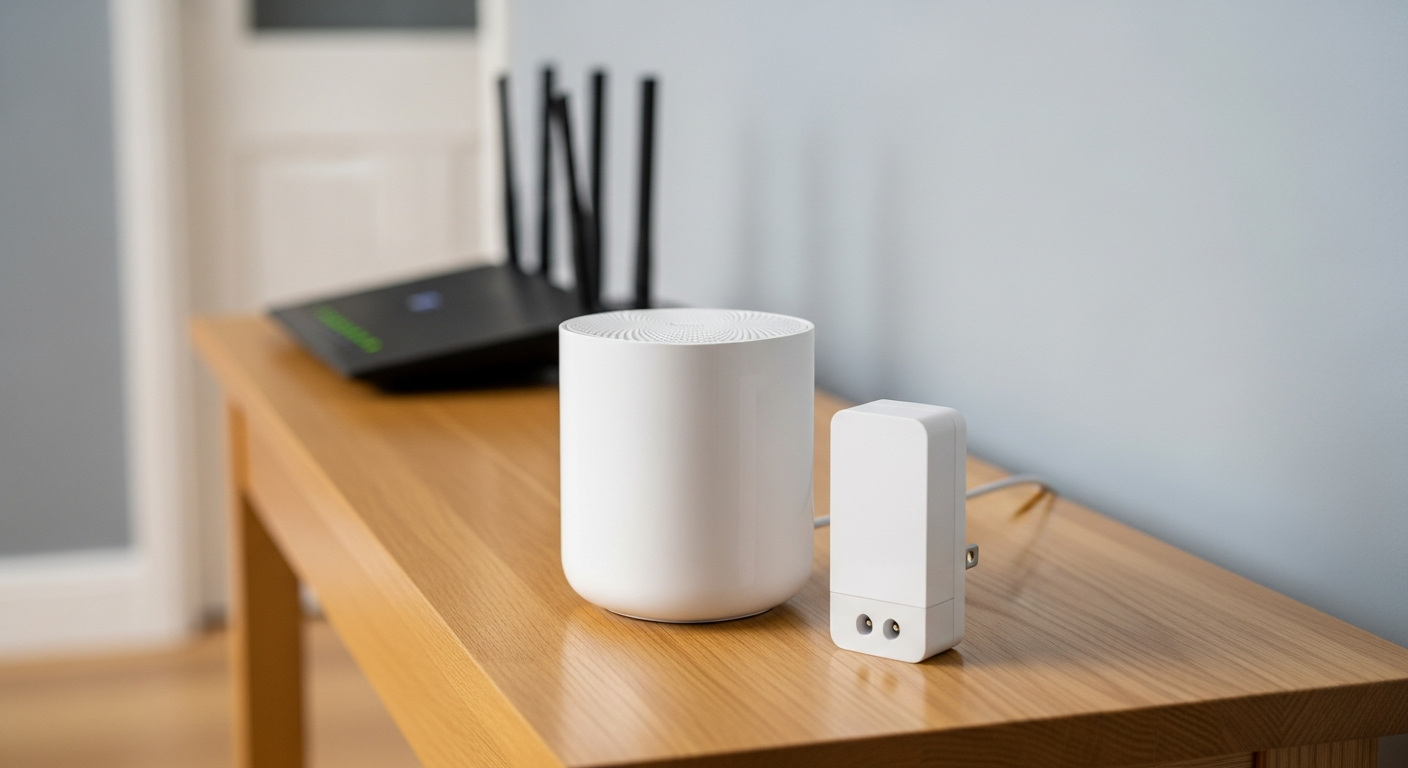
When it comes to mesh wifi vs extender, the short answer is this: mesh systems handle larger homes and multiple dead zones far better, while extenders are a cheaper fix for a single weak spot. Choosing between the two depends on your home’s size, your budget, and how much frustration you can tolerate with laggy video calls or buffering streams.
Dead zones are one of the most common tech complaints in modern homes. As people add smart TVs, laptops, and streaming devices, a single router often can’t keep up. Below, we break down how mesh systems and extenders actually perform in real-world scenarios, so you can make a confident buying decision.
Mesh WiFi vs Extender: The Core Difference
A wifi extender takes your existing signal and repeats it further into your home. It’s simple, affordable, and easy to plug in. However, it usually creates a separate network name, and speeds can drop noticeably the farther you get from the router.
A mesh wifi system uses multiple units, called nodes, that work together as one unified network. You walk from room to room without ever manually switching networks. Mesh systems are generally smarter about routing traffic, which reduces buffering and connection drops.
In the debate of mesh wifi vs extender, the fundamental tradeoff is simplicity and cost versus seamless coverage and performance.
Real-World Scenario 1: The Small Apartment
If you live in a one or two-bedroom apartment, a single dead zone in a bedroom or home office is common. In this case, a wifi extender is often enough. It’s inexpensive, quick to set up, and solves the immediate problem without overspending.
You likely don’t need multiple nodes covering every corner. One extender placed halfway between your router and the dead zone usually restores a usable signal for browsing, video calls, and light streaming.
Real-World Scenario 2: The Multi-Story Family Home
Larger homes with two or three floors often have several weak spots at once, not just one. This is where mesh systems shine. Multiple nodes placed strategically throughout the house create consistent coverage upstairs, downstairs, and in the garage or basement.
Families juggling smart TVs, gaming consoles, and several phones benefit from mesh’s ability to manage many devices without slowing down. If your household is also setting up a dedicated media room, pairing a mesh network with a solid entertainment setup makes a noticeable difference. Our essential home theater setup guide covers how to wire and position gear for the best streaming performance.
Real-World Scenario 3: Smart Home Heavy Households
If you have a dozen or more connected devices — smart plugs, doorbells, thermostats, speakers — network congestion becomes a real issue. Mesh systems typically manage device load more efficiently, thanks to smarter traffic routing between nodes.
Extenders can struggle here, since they often just rebroadcast the same limited bandwidth without balancing the load. For heavily connected homes, mesh is usually the safer long-term investment.
Key Factors to Compare
When you’re weighing mesh wifi vs extender, consider these factors before buying:
- Home size: Extenders suit smaller spaces; mesh suits larger, multi-room layouts.
- Budget: Extenders are cheaper upfront; mesh systems cost more but scale better.
- Number of devices: More connected gadgets favor mesh’s smarter traffic handling.
- Ease of use: Mesh offers one seamless network name; extenders may require manual switching.
- Setup effort: Extenders are plug-and-play; mesh systems need slightly more initial planning.
Signal Interference and Placement Tips
Regardless of which option you choose, placement matters. Keep your router or mesh nodes away from thick walls, metal appliances, and large mirrors. These materials weaken wifi signals significantly.
Elevate your equipment when possible. Signals travel better horizontally than they do through floors. If you’re troubleshooting other tech issues at the same time, like a laptop that won’t hold a charge during video calls, our guide on fixing a laptop battery that drains fast can help you rule out unrelated hardware problems.
When Upgrading Your Whole Setup Makes Sense
Sometimes a wifi fix is really part of a bigger upgrade. If you’re already investing in new streaming devices, gaming consoles, or a home theater, it’s worth reviewing your full setup at once. Our ultimate home theater setup guide walks through positioning, cabling, and connectivity for the best results.
This is especially relevant if you’re planning around next-generation devices. Gamers anticipating the Sony PlayStation 6 will want rock-solid wifi to support online play and large downloads without lag.
Final Verdict: Mesh WiFi vs Extender
If you have one dead zone in a small home, an extender is a fast, budget-friendly fix. If you have multiple dead zones, a larger home, or many connected devices, mesh wifi is the smarter long-term choice. It costs more initially but delivers more consistent speeds and fewer headaches.
Think about your home layout, your device count, and how much you’re willing to spend before deciding. Getting this right now saves you from buying a second fix later.
Frequently Asked Questions
Is mesh wifi always better than an extender?
Not always. For small apartments with a single weak spot, an extender is often sufficient and more affordable. Mesh wifi becomes the better choice for larger homes or multiple dead zones.
Do extenders slow down internet speed?
Extenders can reduce speed, especially the farther you are from the router. Mesh systems typically maintain more consistent speeds because nodes work together as one network.
How many mesh nodes do I need for my home?
Most two to three-bedroom homes work well with two to three nodes. Larger homes with multiple floors may need three or more, depending on layout and wall materials.




















