
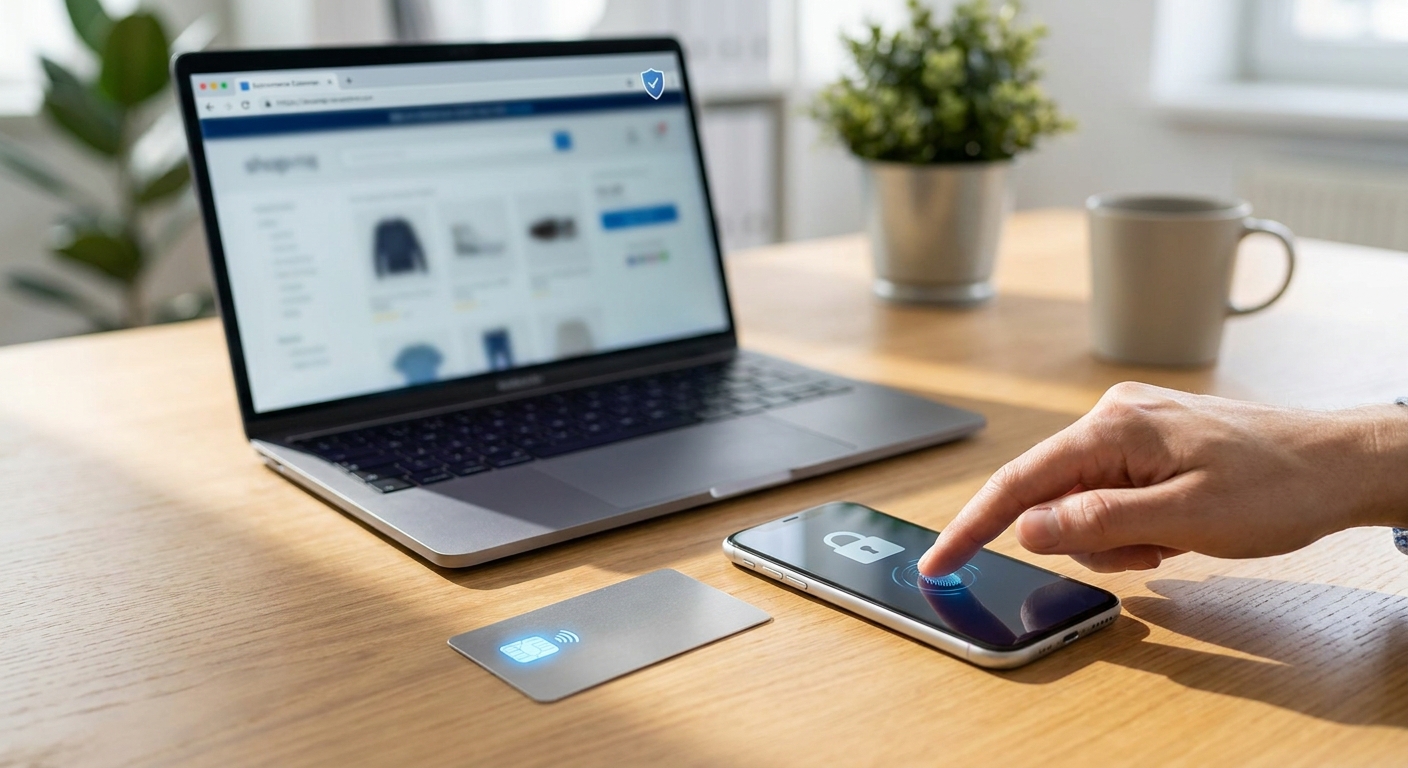
AI checkout fraud protection matters now more than ever because autonomous shopping agents are quietly completing purchases using your saved cards. These bots promise convenience, but they also create a new attack surface that scammers are learning to exploit fast.
As AI shopping assistants become mainstream, they need access to your payment methods, shipping addresses, and sometimes full account control. That access is exactly what attackers want. If a bot’s permissions are too broad, or if its connection to a retailer is spoofed, your stored card details can be harvested without a single visible red flag.
This guide breaks down how AI checkout fraud actually works, how to audit the permissions you’ve already granted, and what steps genuinely reduce your risk.
How AI Shopping Bot Checkout Fraud Works
Autonomous shopping agents operate by connecting to your accounts, browser, or payment wallet. They fill in checkout forms, apply saved cards, and confirm orders automatically. That automation requires persistent access, and persistent access is a liability if it’s mismanaged.
Attackers exploit this in a few common ways:
- Fake or cloned shopping assistants that mimic legitimate apps but silently log payment credentials.
- Malicious browser extensions that intercept checkout data before it reaches the real retailer.
- Over-permissioned integrations where a bot is granted full account access instead of limited, task-specific scope.
- Session hijacking that takes advantage of an AI agent’s logged-in state to push through unauthorized purchases.
Each method relies on the same weakness: users rarely review what their AI tools can actually do once access is granted.
Why Stored Payment Data Is the Real Target
Saved cards are convenient, but they’re also a single point of failure. Once a bot or extension can read that stored data, a breach doesn’t require stealing your card number directly. It only requires hijacking the checkout flow that already has permission to use it.
This is similar to patterns seen in other AI-driven scams. Our deep dive on AI shopping assistant scams and how to shop safely in 2026 covers related tactics, including fake deal bots and cloned shopping apps designed to look trustworthy.
Auditing AI Agent Permissions: A Practical Checklist
Most people never check what permissions their shopping bots actually hold. A quick audit can close major gaps in minutes.
- List every connected app. Check your browser, phone, and payment wallet settings for anything with checkout or autofill access.
- Review scope, not just access. Does the bot need full account control, or just the ability to complete a single purchase?
- Remove unused integrations. If you tested an AI shopping tool once and forgot about it, revoke its access now.
- Check for third-party extensions. Many checkout-assist tools are actually browser extensions with deep permissions. Our guide on browser extension permissions risks and which ones spy on you explains how to evaluate these safely.
- Set spending limits where possible. Some platforms allow per-transaction or daily limits for autonomous agents.
This kind of review should become routine, not a one-time task. New shopping bots are released constantly, and permissions tend to accumulate quietly over time.
Securing Stored Cards for AI Checkout Fraud Protection
Beyond auditing permissions, the cards themselves need stronger protection. A few practical steps go a long way.
- Use virtual card numbers instead of your primary card whenever a retailer or bot supports them.
- Enable transaction alerts so unauthorized charges surface immediately.
- Avoid saving payment data inside browser extensions that aren’t from the retailer directly.
- Use separate, low-limit cards specifically for AI-assisted shopping.
- Regularly log out of shopping agents on shared or public devices.
These habits don’t eliminate risk entirely, but they significantly limit the damage if an agent is compromised.
Spotting Fraudulent AI Shopping Agents
Not every “smart checkout” tool is legitimate. Some are built specifically to mimic trusted assistants while quietly collecting payment data.
Watch for these warning signs:
- Requests for account passwords instead of secure OAuth-style logins.
- Unusually broad permission requests for a simple shopping task.
- No clear developer information or privacy policy.
- Pressure to “connect your card now” before showing any real functionality.
Scammers often rely on the same social-engineering playbook used in other AI-era frauds. If you want to understand how attackers build trust before striking, our article on deepfake video call scams and how to verify who’s calling shows how convincing these impersonation tactics have become.
Building Long-Term Habits Around AI Checkout Fraud Protection
Strong AI checkout fraud protection isn’t a single setting you switch on. It’s an ongoing habit of reviewing access, limiting exposure, and staying skeptical of tools that ask for more than they need.
Treat every shopping bot like a new employee with access to your wallet. Give it only what it needs to do its job, and revisit that access regularly. If you share devices or accounts with family members, it’s also worth reviewing broader digital security habits, such as those covered in our guide to secure family photo sharing and locking down kids’ privacy, since many of the same permission principles apply.
Frequently Asked Questions
What is AI checkout fraud protection?
AI checkout fraud protection refers to the practices and settings that prevent autonomous shopping agents from misusing saved payment data. It includes auditing permissions, limiting access scope, and monitoring for unauthorized transactions.
How do I know if a shopping bot has too much access?
If a bot can view your full account, change settings, or access payment methods beyond what’s needed for checkout, it likely has excessive permissions. Review app and extension settings regularly to confirm scope matches function.
Are virtual card numbers effective against AI checkout fraud?
Yes. Virtual cards limit exposure because they can be capped, restricted to specific merchants, or canceled instantly without affecting your primary account, making them a strong layer of AI checkout fraud protection.
A smartphone and laptop on a desk showing an online checkout screen with a credit card and a small AI chatbot icon on the payment form, representing an AI shopping assistant completing a purchase
Smartphone and laptop checkout screen illustrating AI checkout fraud protection for saved payment cards
[“AI checkout fraud protection”, “payment security”, “AI shopping bots”, “online fraud prevention”, “data privacy”]




















