
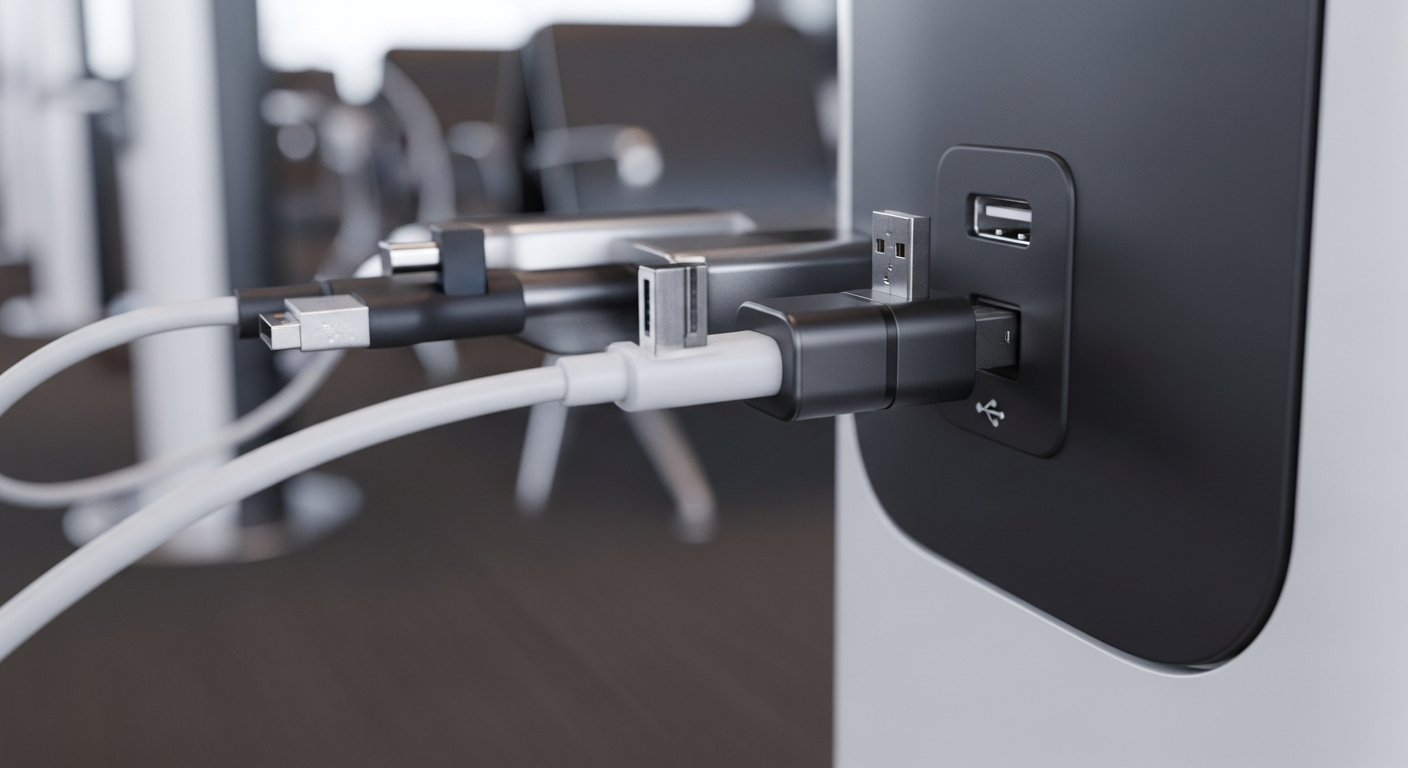
A USB data blocker is a small adapter that plugs between your phone and a public charging cable to block data pins, allowing power through while preventing any information from being read or written. It sounds like a niche gadget, but with juice-jacking headlines resurfacing every year, many travelers wonder if it belongs in their bag. This guide breaks down the real risk, how the device works, and whether it’s a smart buy compared to simpler precautions.
What Is Juice Jacking, Really?
Juice jacking is a theoretical attack where a compromised public USB port or cable transfers malware or steals data while your phone charges. Standard USB connections carry both power and data on the same cable, so a tampered port could, in principle, communicate with your device.
Security researchers have demonstrated proof-of-concept attacks at conferences, and agencies like the FBI have issued general warnings about public charging stations. However, confirmed real-world cases remain rare. Most modern phones also require you to tap “trust this device” before any data transfer begins, which adds a meaningful barrier.
Still, rare doesn’t mean impossible. Airports, hotels, and conference centers are attractive targets precisely because so many people plug in without thinking twice.
How a USB Data Blocker Works
A USB data blocker, sometimes called a “USB condom,” sits inside the charging port. It physically covers or disables the data pins inside the connector, leaving only the power pins active.
Here’s what that means in practice:
- Electricity flows normally, so your phone still charges at a reasonable speed.
- No data pathway exists, so a malicious port cannot read files or push malware.
- Your device won’t even prompt a “trust this computer” popup, since no data handshake occurs.
These devices are small, inexpensive, and often cost less than a coffee. They typically come as a simple dongle you keep on your keychain or in a laptop bag.
Is a USB Data Blocker Worth Buying?
For frequent travelers, conference-goers, or anyone who regularly uses unfamiliar public charging stations, a USB data blocker is a low-cost insurance policy. It costs little, weighs almost nothing, and removes one entire attack path from consideration.
That said, it’s not the only defense you need. A data blocker only protects the physical USB connection. It does nothing against phishing links, smishing texts, or weak passwords. If you want a fuller picture of personal digital risk, our guide on essential digital safety practices for everyone covers the bigger picture beyond charging cables.
Consider a USB data blocker a worthwhile purchase if you:
- Travel often and rely on airport or hotel charging kiosks.
- Attend conferences or trade shows with shared charging lockers.
- Prefer a “set it and forget it” habit rather than remembering to check settings every time.
When You Can Skip It
If you almost always charge from your own wall adapter, a car charger, or a portable power bank, the risk drops sharply. In that case, spending money on a blocker adds little practical value.
Alternatives to a USB Data Blocker
Not everyone needs a dedicated gadget. Several habits reduce juice-jacking risk without any extra purchase.
- Carry your own charger and cable. Plugging into a wall outlet with your own equipment avoids the data-pin issue entirely.
- Use a portable power bank. Charging from a battery pack you own removes any third-party hardware from the equation.
- Decline data access prompts. If your phone asks whether to trust a connected device, always choose “charge only” or deny access.
- Keep your operating system updated. Security patches close vulnerabilities that older juice-jacking exploits relied on.
These steps cost nothing and, combined, offer strong protection even without a physical blocker. For a broader strategy that ties device hygiene to identity protection, see our overview of essential cybersecurity protection strategies.
USB Data Blockers vs. Bigger Security Priorities
Public charging risk is real but small compared to threats like phishing, smishing, and identity theft. Attackers generally find it easier to trick people through text messages than to physically tamper with a charging kiosk.
If you’re allocating a limited security budget, prioritize accordingly. Learning to spot fraudulent messages, as explained in our piece on how to stop smishing scams, will likely protect you more often than a USB blocker ever will.
Likewise, adopting an identity-first mindset matters more day-to-day than worrying about a single cable. Our guide to why identity-first security is essential explains how protecting your identity credentials outranks most device-level fixes.
None of this means a USB data blocker is pointless. It’s simply one small layer in a much larger security stack, one that also includes strong passwords, multi-factor authentication, and awareness of AI-driven scams. Our AI security guide for 2025 covers how emerging threats are reshaping personal defense.
Buying Tips If You Decide to Get One
If you’ve decided a USB data blocker fits your travel habits, keep these shopping tips in mind:
- Choose a reputable brand with clear product reviews rather than the cheapest unbranded option.
- Check that it supports your charging speed needs, since some basic blockers limit fast charging.
- Pick a USB-C version if your devices have moved away from USB-A, or look for a multi-port kit covering both.
- Keep it attached to your keys or cable so you actually remember to use it.
Frequently Asked Questions
Does a USB data blocker slow down charging?
Some basic models limit charging speed slightly because they only pass power pins without negotiating fast-charge protocols. Higher-quality blockers are designed to support standard and fast charging, so check product specs before buying.
Can a USB data blocker protect against all charging risks?
No. It blocks data transfer through the USB connection but doesn’t protect against a damaged cable, a faulty power source, or unrelated threats like phishing texts. It’s one layer of protection, not a complete solution.
Are juice-jacking attacks common in 2026?
Confirmed cases remain uncommon compared to phishing or smishing attacks. Still, security agencies continue to recommend caution at public charging stations, especially for frequent travelers.
In the end, a USB data blocker is an inexpensive, low-effort way to remove one small but real risk from public charging. It won’t replace strong passwords, updated software, or scam awareness, but paired with those habits, it rounds out a sensible, well-balanced approach to everyday digital safety.




















